Your videos look flat? Not anymore.
One drag. One drop. Your video goes from "scroll past" to "wait, rewind that." 51 effects built for Reels, TikTok and Shorts — no editing app, no learning curve, no limit on how many videos you hit.
Get all 51 effects One-time payment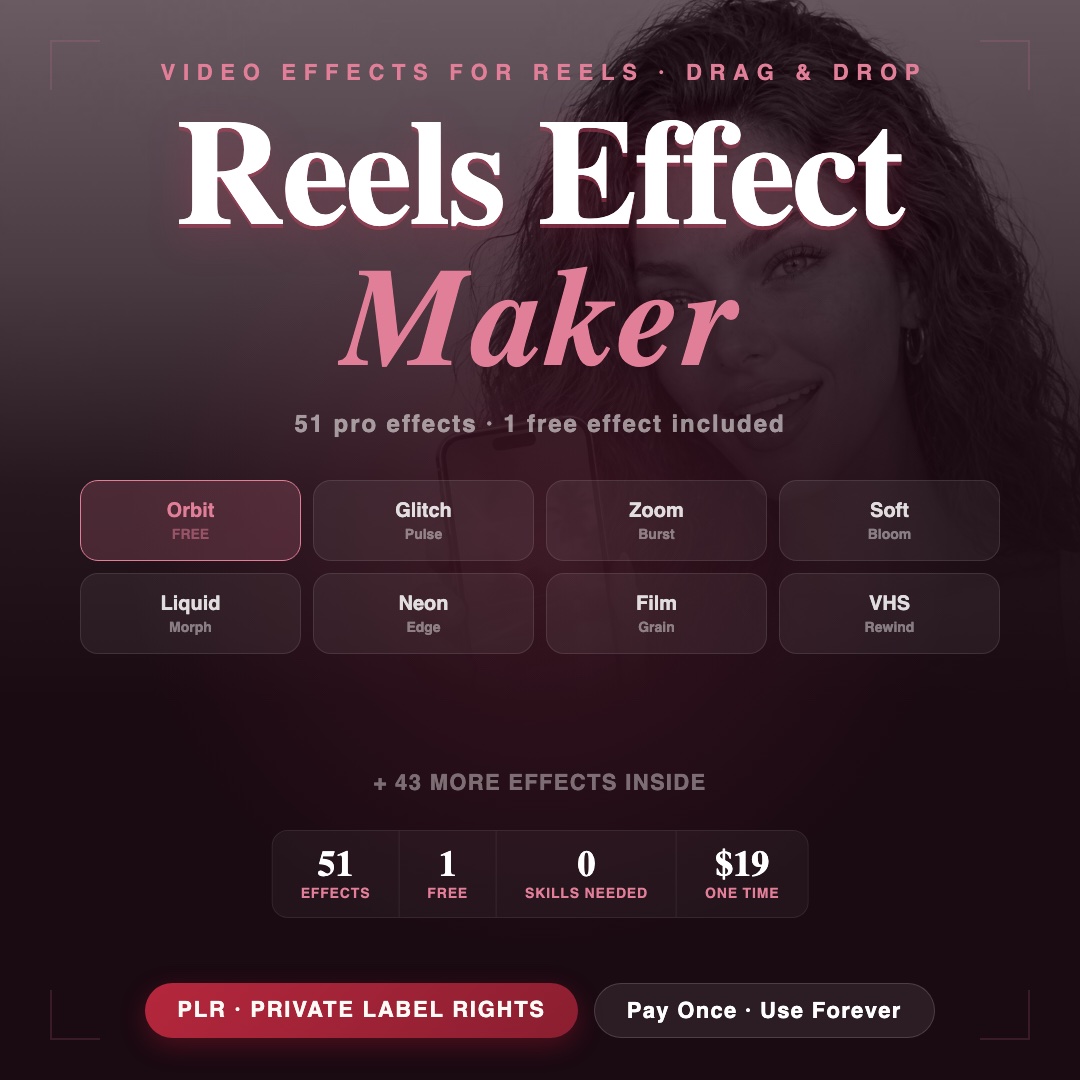
Sound familiar?
Editing apps want $30/month
You pay monthly, learn a timeline, export, re-upload. For what — a zoom effect?
AI videos look the same
Everyone uses the same tools. Same flat output. Nothing stands out in a feed full of AI content.
Effects feel complicated
Keyframes, layers, render queues. You wanted a 15-second Reel, not a film degree.
Start with a free effect
Orbit — the effect that makes your subject spin in 3D space. Download it, drag it onto your video, done. No signup, no email, no catch.
Download Orbit — freeWhat one effect does to a flat video
Orbit
Your subject floats and rotates in 3D space — instant depth from a flat clip.
Glitch Pulse
A controlled digital break that screams "stop scrolling" without looking broken.
Zoom Burst
Pulls the viewer into the frame like a punch — perfect for reveals and transitions.
Soft Bloom
Dreamy light bleed that turns harsh footage into cinematic gold.
Liquid Morph
Fluid shape-shifting between cuts — smoother than any manual transition.
Neon Edge
Glowing outlines that make your subject pop against any background.
Want the full arsenal?
51 effects. Every style from cinematic glitch to soft bloom, from zoom burst to liquid morph. Drop any of them on any video you've ever made — past, present, future. No subscription, no per-video fee, no watermark.
All 51 effects — yours forever
Already using Claude?
Ask Claude to apply effects to your videos — unlimited, free, no restrictions. Tell it which effect, which clip, how intense. It handles the rest. These 51 effects are designed to work with AI-generated videos from Seedance, Kling, Runway and every other tool you use.
Questions
- What formats do these work with?
- MP4, MOV, WebM — anything you export from Seedance, Kling, Runway, Minimax or any other AI video tool.
- Do I need editing software?
- No. Drag and drop onto your video file. Works with CapCut, DaVinci, Premiere — or just ask Claude to apply them.
- Is there a limit on how many videos I can use them on?
- Zero limits. Use every effect on every video you ever make. No per-use fee, no watermark, no expiry.
- Can I resell these?
- Yes — PLR license included. Resell them as your own product and keep 100% of every sale.